
Fuel your venue with smarter digital menus
Guides, tips, and product updates that help restaurants serve faster, change the menu in minutes, and keep guests coming back.
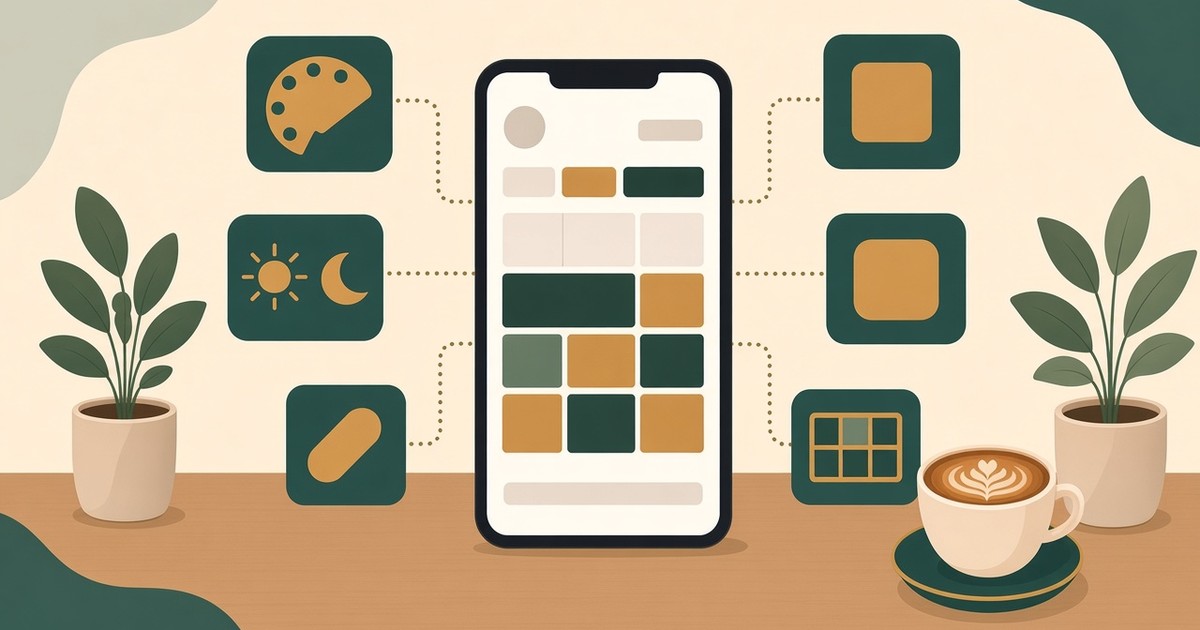
Choosing a QR Menu Layout in WebQRMenu: Templates, Colors, Theme and Corner Radius
The six menu page layouts — Core, List, Flow, Curve, Panorama and Chip — and when to choose each. Plus palette, theme, corner radius, information blocks and the welcome screen.
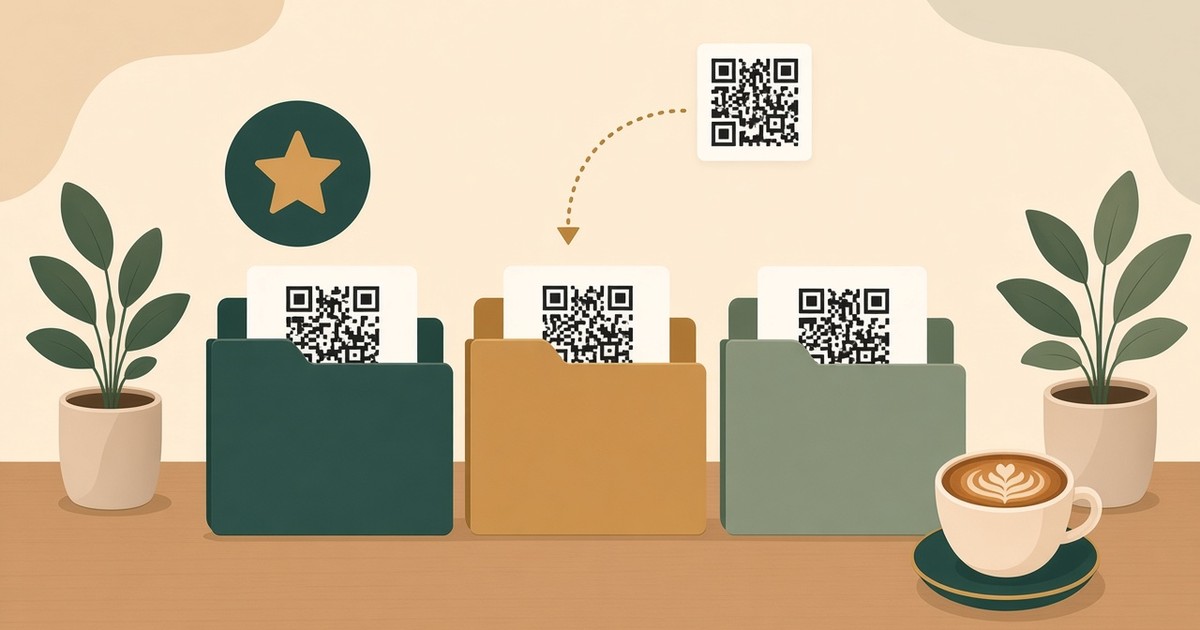
QR Design Folders in WebQRMenu: Keep Your Saved QR Codes Organized
How to organize QR designs: saved designs, color-coded folders, moving a design to a folder, favorites, filters and moving designs to a workspace.
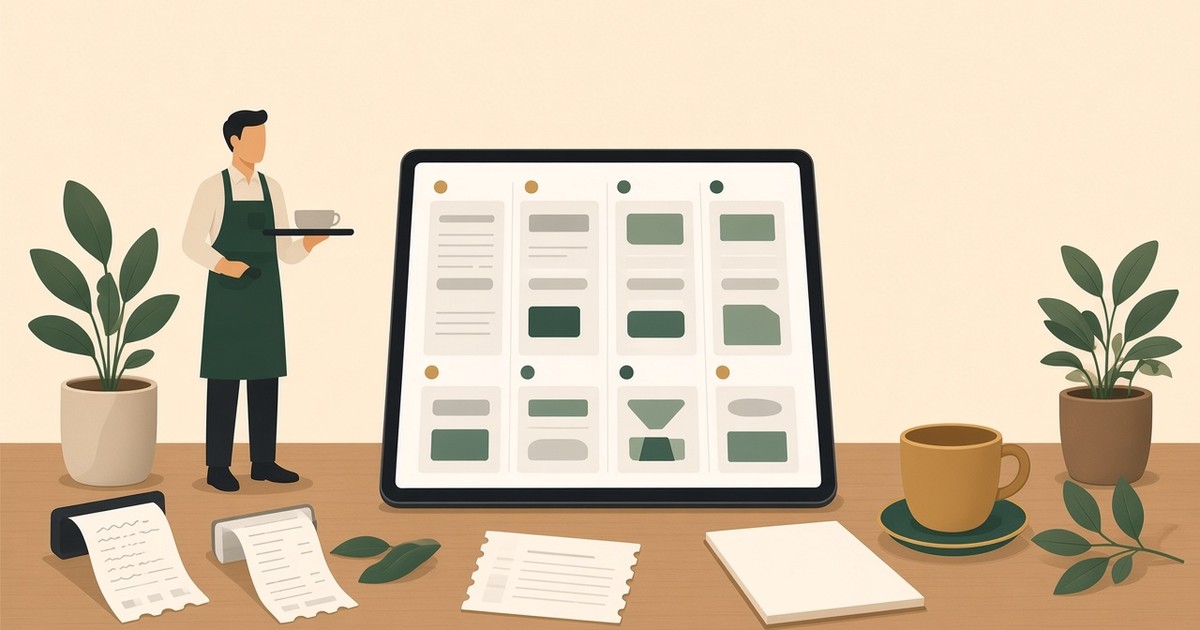
Order Management in WebQRMenu: Statuses, Payments, Invoices and Notifications
Orders list and filters, payment and order statuses, the invoice page with PDF and printing, push notifications and kitchen-line sounds in WebQRMenu.
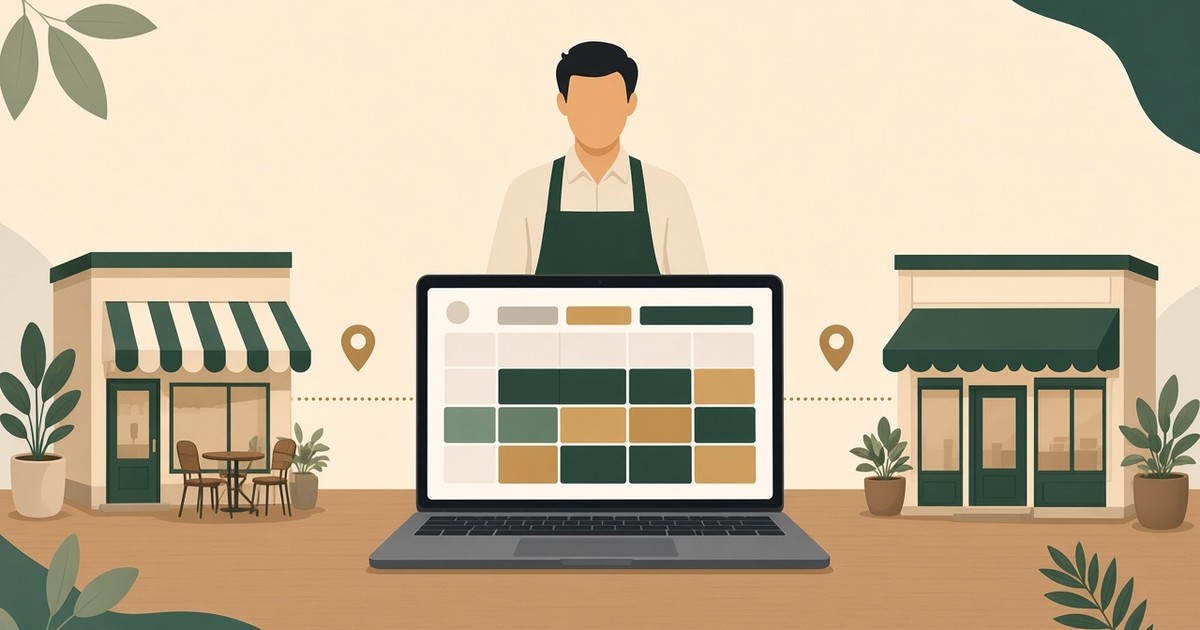
Multiple Stores in WebQRMenu: Create, Switch and Manage Several Venues
Run several venues from one WebQRMenu account: the Stores page, creating a store, switching between stores, and what is set per store versus per account.
Currency and Tax in WebQRMenu: Set Up Menu Prices for Your Store
Choose from 154 currencies and a tax mode (No tax, Included in prices, Added on top) for each store in WebQRMenu, and see how prices look to guests.
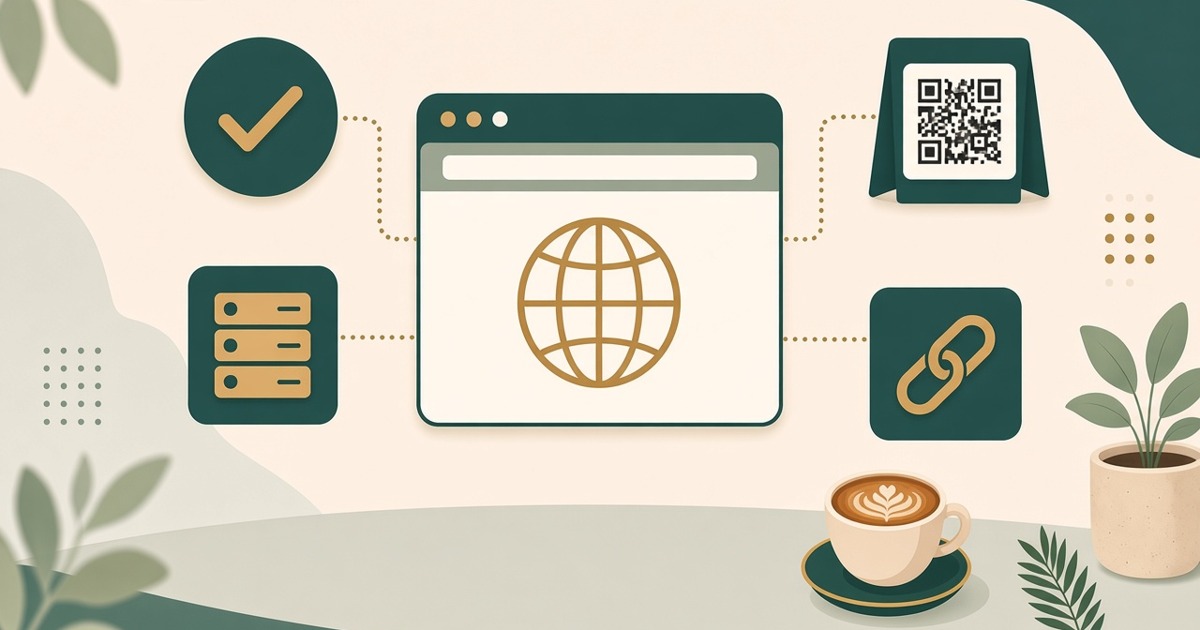
Custom Domain in WebQRMenu: Your Own Domain for QR Codes and Short Links
Connect your own domain or subdomain for dynamic QR codes and short links: CNAME and TXT records, Cloudflare DNS only, DNS checks and removal.
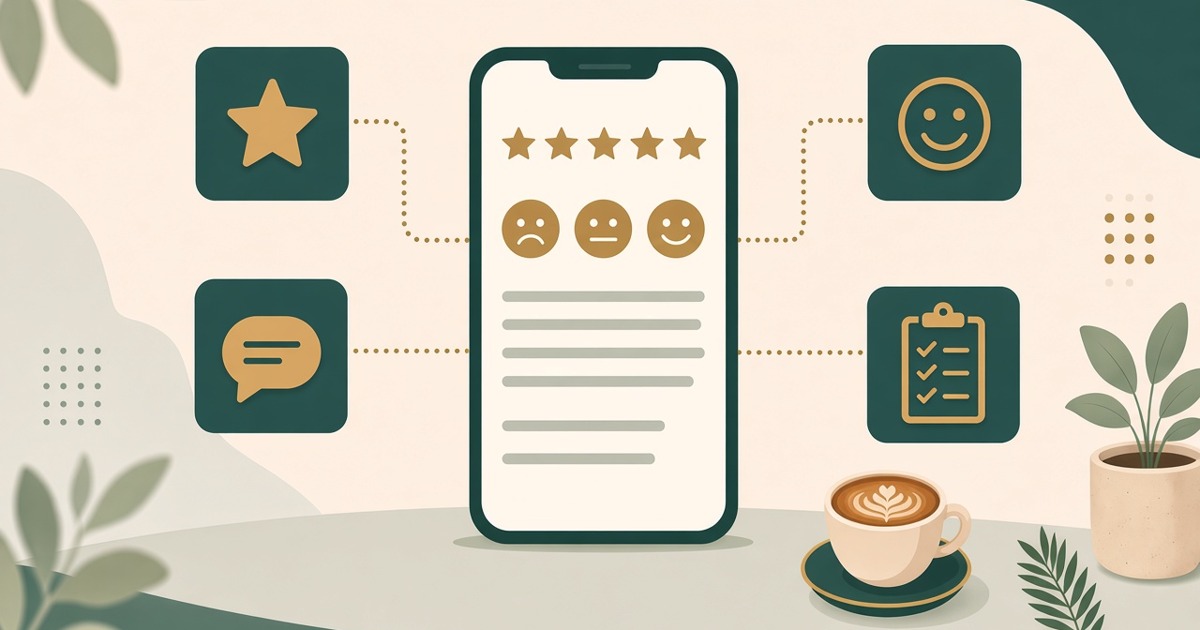
Guest Surveys and Feedback in WebQRMenu
Create a survey with stars, smileys, Yes / No and text answers and translate it into your menu languages. Guests answer via the Survey button in the QR menu; responses are in the dashboard.
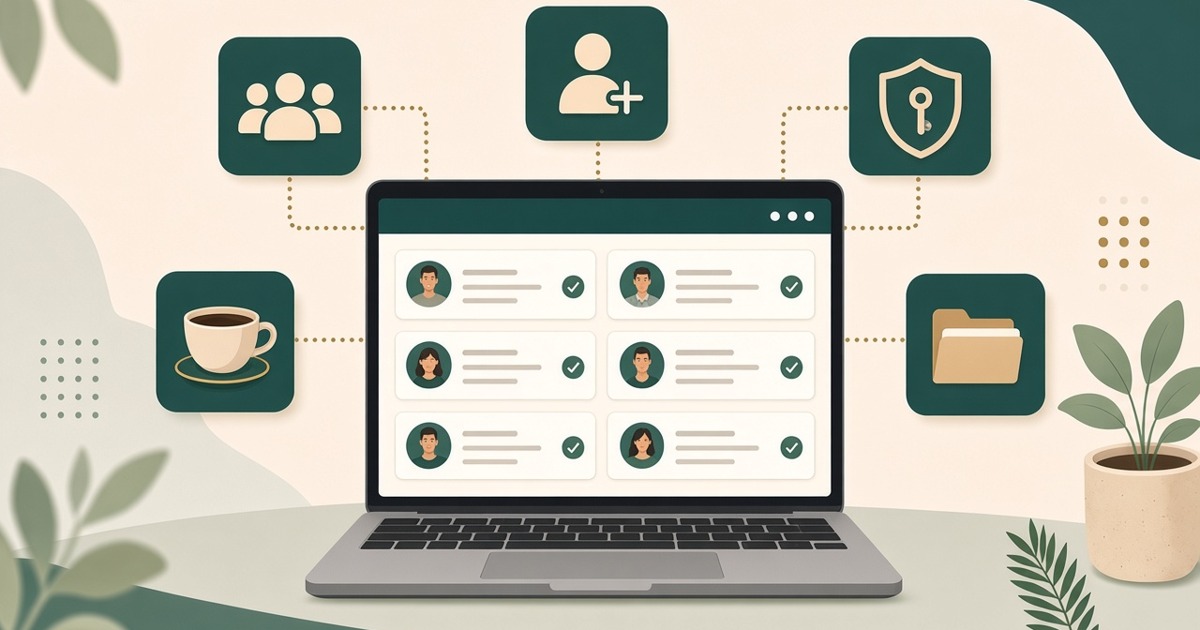
Workspaces and Team Members in WebQRMenu
Create a workspace, invite colleagues by email and assign a role: Admin, Editor, Operator or Viewer. No shared passwords — everyone has their own account.
Staff, Waiters and Shifts in WebQRMenu
Invite waiters by email, assign tables, create shifts and use the Waiter board. Kitchen and bar work through Kitchen line screens.