
Fuel your venue with smarter digital menus
Guides, tips, and product updates that help restaurants serve faster, change the menu in minutes, and keep guests coming back.
Articles about orders, tables and guest service.
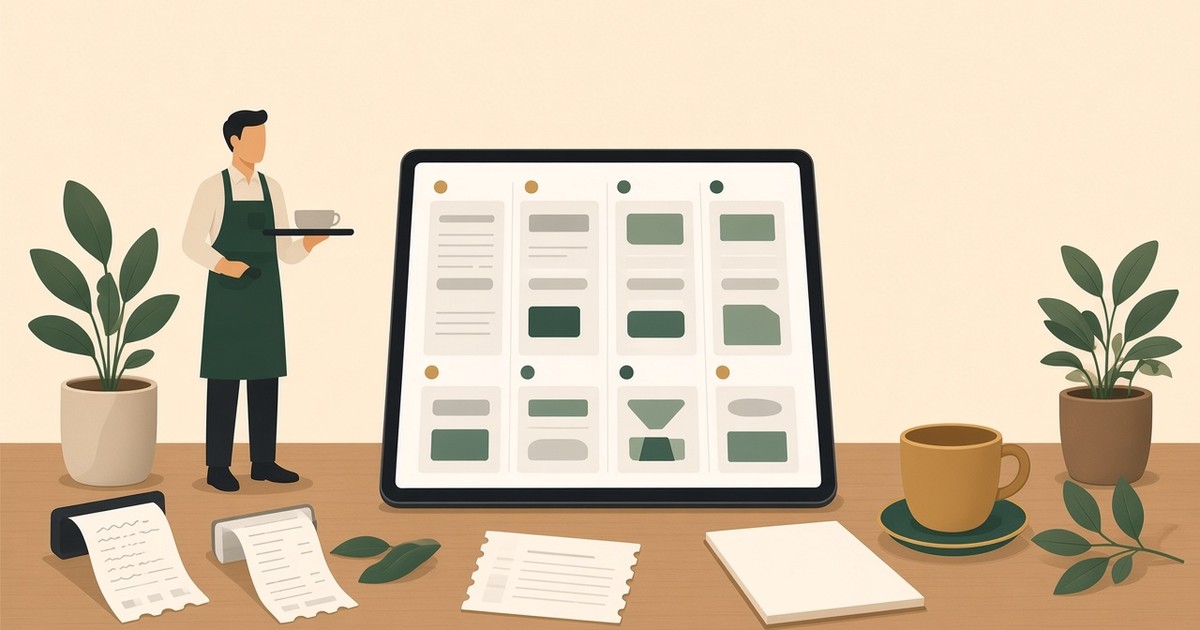
Order Management in WebQRMenu: Statuses, Payments, Invoices and Notifications
Orders list and filters, payment and order statuses, the invoice page with PDF and printing, push notifications and kitchen-line sounds in WebQRMenu.

Staff, Waiters and Shifts in WebQRMenu
Invite waiters by email, assign tables, create shifts and use the Waiter board. Kitchen and bar work through Kitchen line screens.
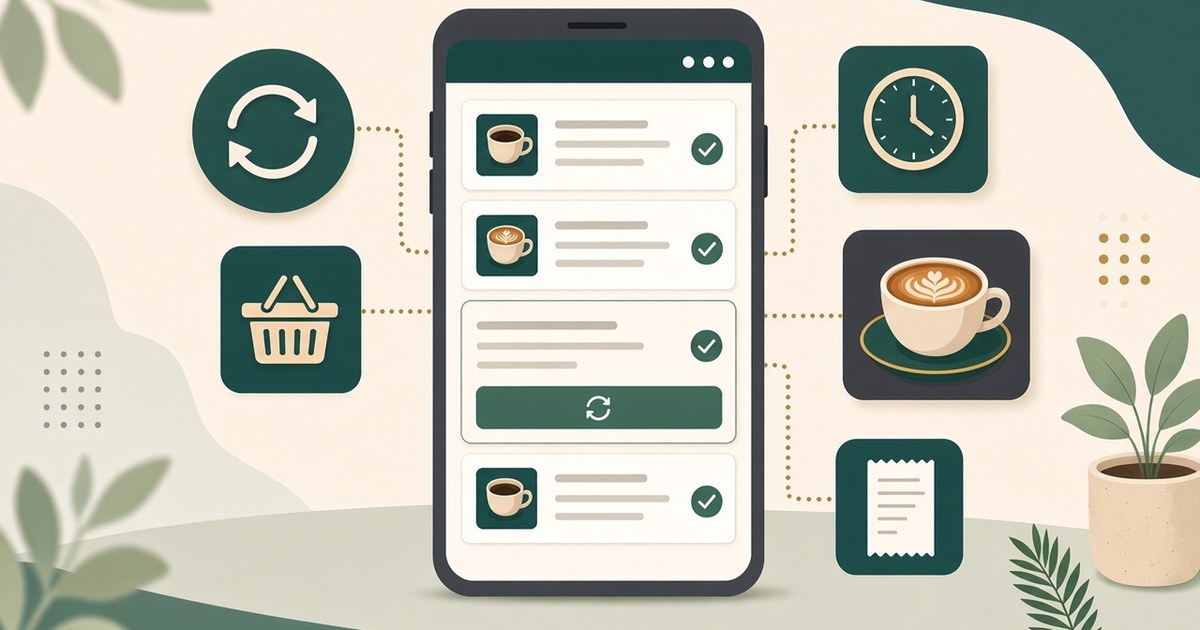
Guest Order History and Reorder in WebQRMenu
Guests track order status, browse past orders in History and repeat them with Reorder or Repeat last order, right in the WebQRMenu QR menu.

Calling a Waiter and Requesting the Bill from a WebQRMenu QR Menu
Let guests call a waiter, request the bill or a table clean-up from the QR menu. Set up call types in Waiter calls and enable calls per table.
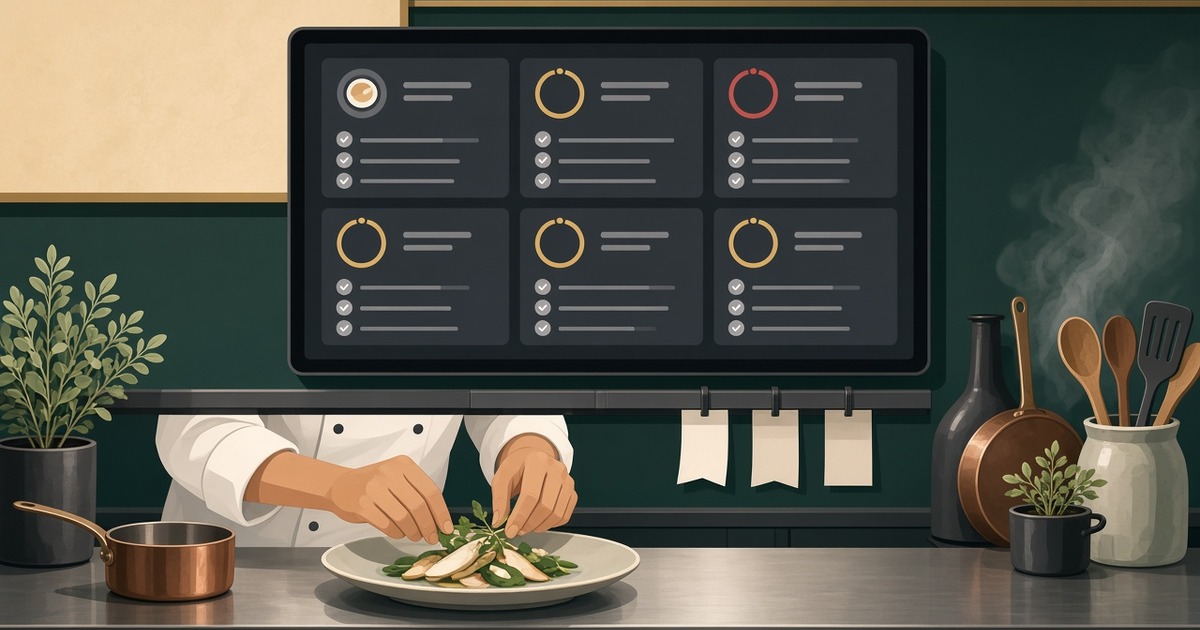
Kitchen line in WebQRMenu: the kitchen screen for QR orders
How the WebQRMenu Kitchen line works: order sections, cards with timers, Caution and Late thresholds, Hold and Recall, and screen settings.
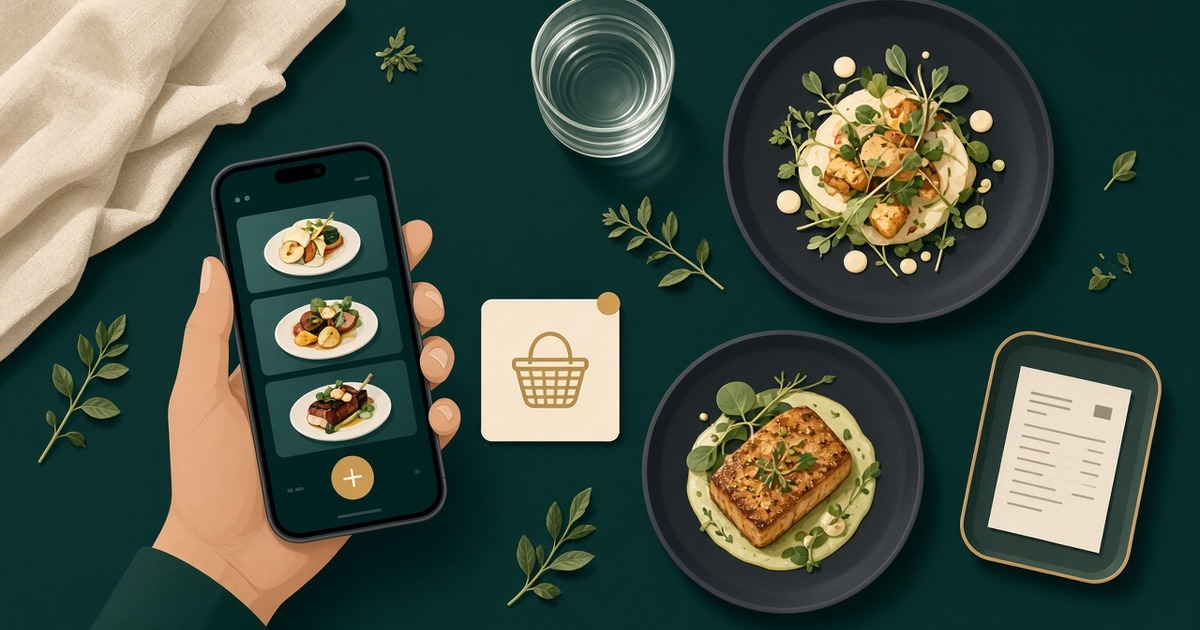
How a guest orders through the cart in WebQRMenu
How a guest orders through the cart in WebQRMenu: notes, tips, delivery or pickup, live status, and where the order appears in your dashboard.

Tables and a separate QR code for every table in WebQRMenu
How to create tables in WebQRMenu, track their status, and download a separate QR code for each table, one at a time or all at once.