
Fuel your venue with smarter digital menus
Guides, tips, and product updates that help restaurants serve faster, change the menu in minutes, and keep guests coming back.

Store appearance and settings in WebQRMenu: the complete guide
Every store setting in WebQRMenu explained: name, contacts, currency, tax, colors, logo, welcome screen, order types, notifications and analytics.
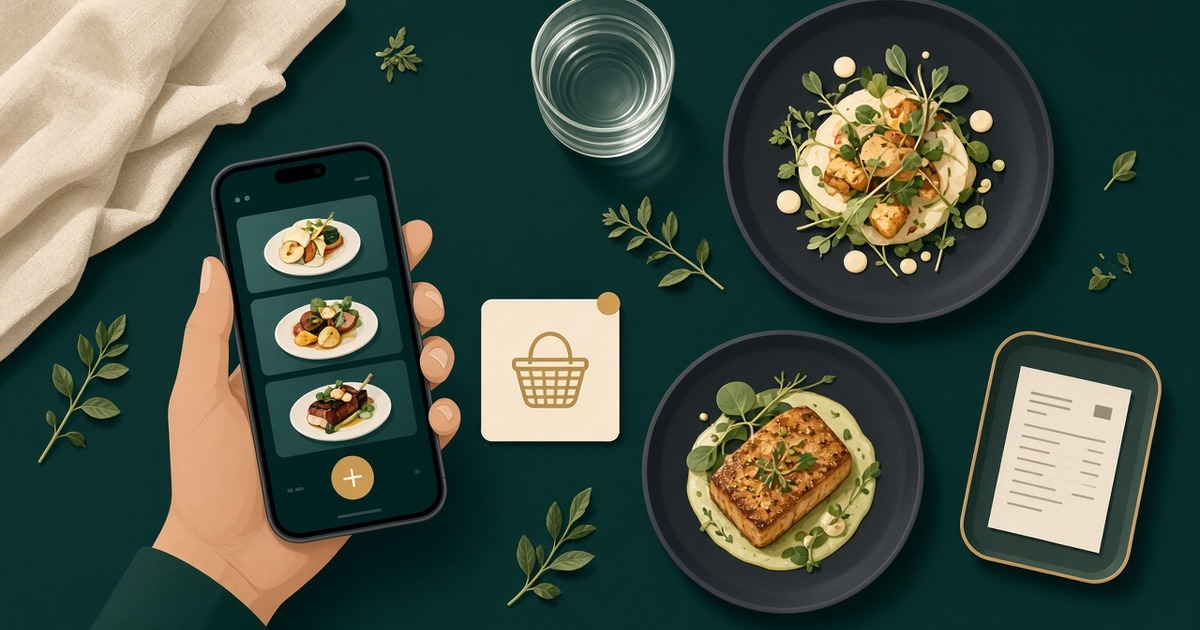
How a guest orders through the cart in WebQRMenu
How a guest orders through the cart in WebQRMenu: notes, tips, delivery or pickup, live status, and where the order appears in your dashboard.
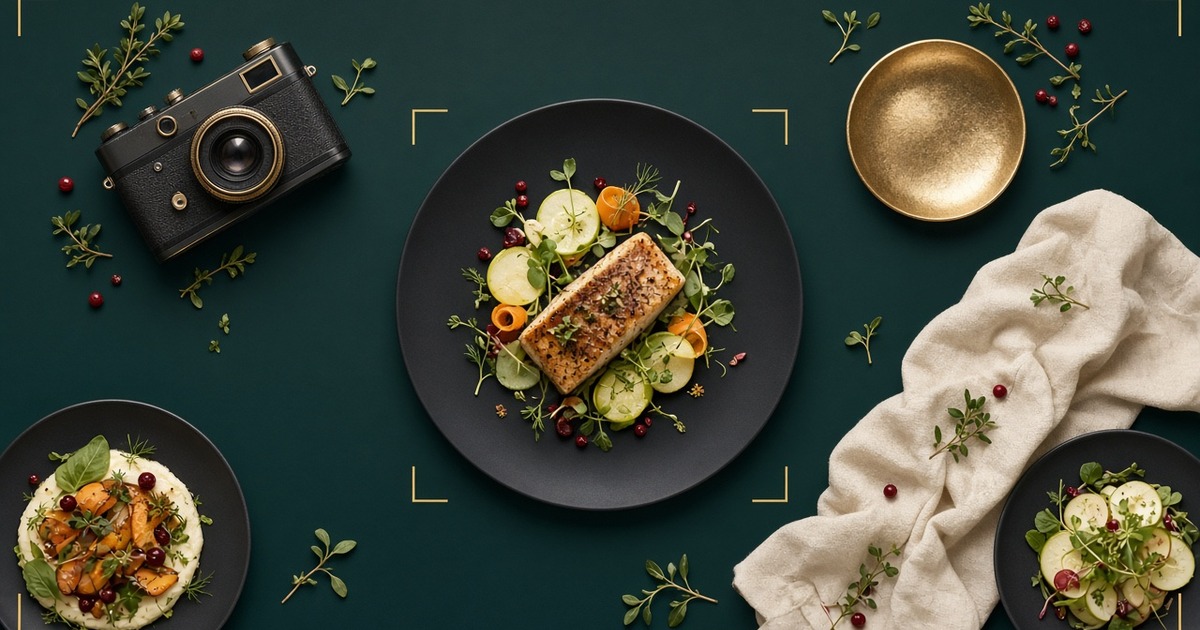
Dish photos in WebQRMenu: uploading and making them look good
How to upload dish photos in WebQRMenu, crop them to 4:3, replace them, and shoot food photos that make guests want to order.
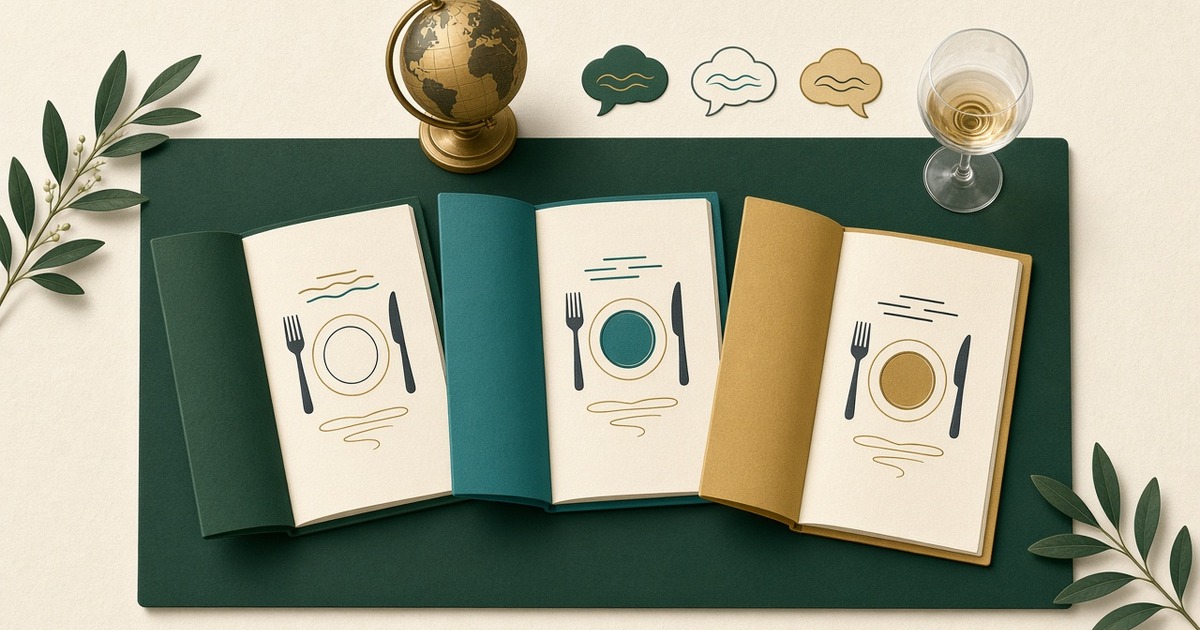
A Menu in Three Languages (RU/EN/KA) on WebQRMenu
How to make your WebQRMenu menu multilingual: set the base language, add English and Georgian, translate dishes and let guests pick their language.

Wi-Fi, opening hours and contacts in your WebQRMenu menu
How to add your phone, email, address, Wi-Fi networks, opening hours and social links to a WebQRMenu store, and how guests see them in the menu.

Tables and a separate QR code for every table in WebQRMenu
How to create tables in WebQRMenu, track their status, and download a separate QR code for each table, one at a time or all at once.
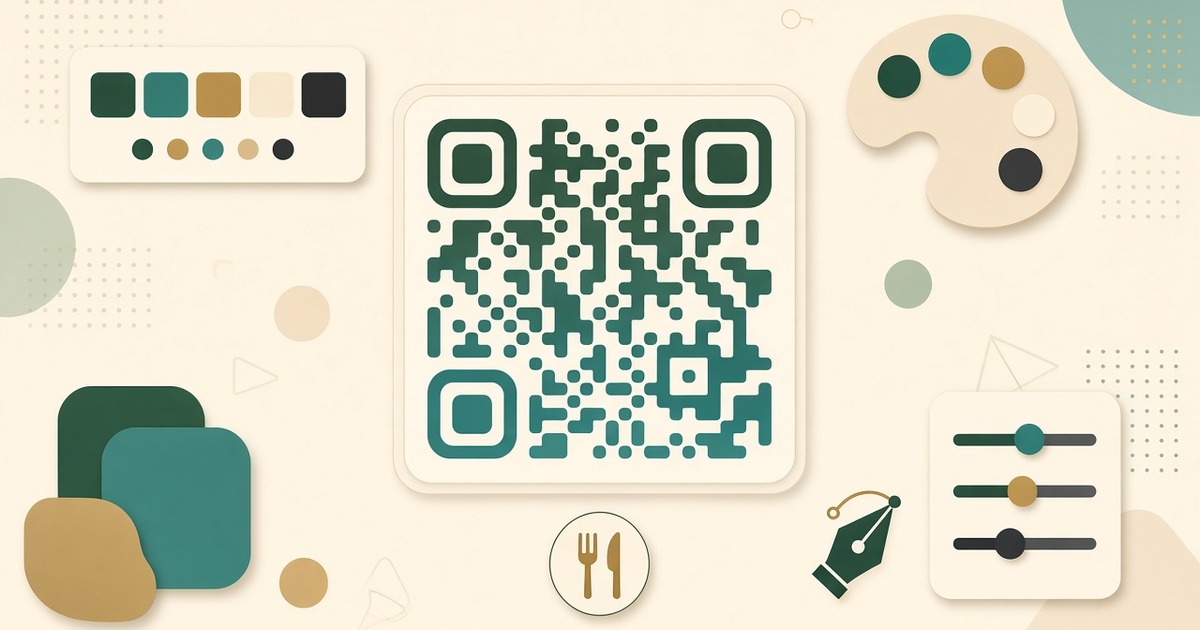
How to Design a QR Code in WebQRMenu: The Complete Guide to Every Setting
A complete guide to the WebQRMenu QR code designer: dot shapes, gradients, eyes, logo, frames, saved designs, and download formats for print and web.
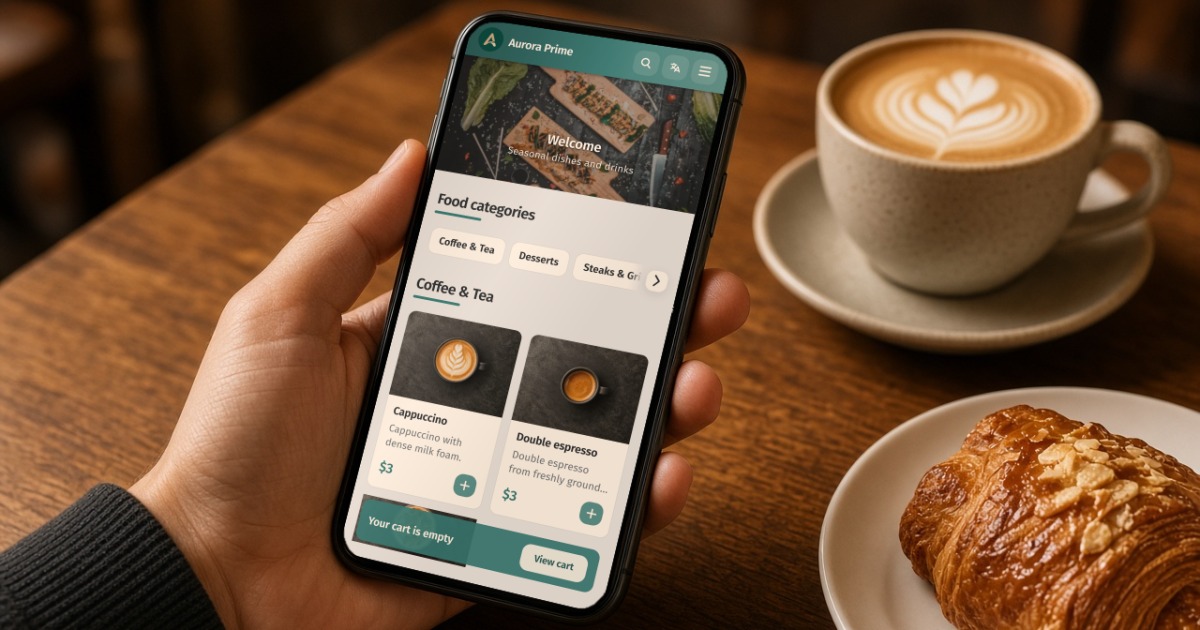
How to Create a QR Menu on WebQRMenu: Step-by-Step with a Real Example
A practical guide: create a free digital QR menu for a café or restaurant, place the code in the dining room, and update dishes without reprinting.