
Order Notifications: Push and the Bell, So You Never Miss a New Order
How to turn on push notifications for orders in WebQRMenu, where to see notifications in the dashboard and how to organise the shift so no order gets lost.
A guest has placed an order from their phone, and nobody in the room knows. That is the most painful loss in QR ordering. To prevent it, WebQRMenu has two tools: push notifications and the bell in the dashboard.
Turn on push notifications
Open Store → Stores → your store → the Settings tab and expand Order notifications. There is one switch: Push notifications. If you take orders through the menu, keep it on.

After changing it, remember to click Save at the bottom of the page.
The bell in the dashboard
In the top-right corner of the dashboard there is a bell. When something new comes in, a red counter lights up on it. Click it to open the Notifications panel: a store selector at the top and an "All" link to the full list.
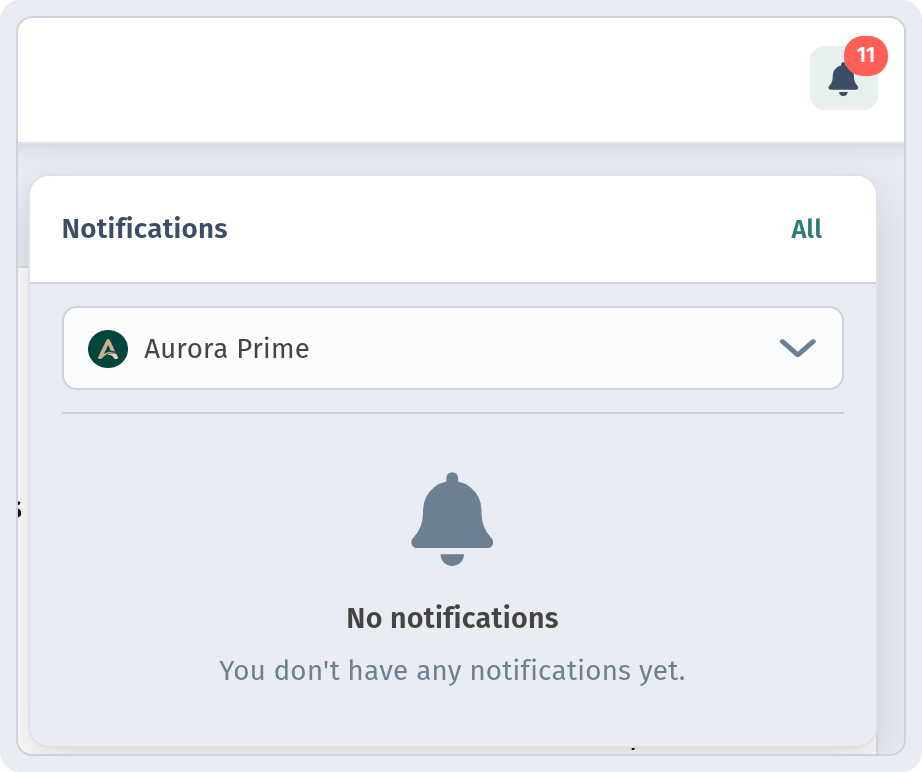
If you have several locations, the store selector in the panel lets you look at just your venue.
Who watches the notifications
Switching the feature on is easy; agreeing on the people matters more:
- Assign one person per shift: the manager, the barista or the head waiter. They keep the dashboard open in the browser for the whole shift.
- Keep the tab open: on a tablet at the counter or on the manager's computer.
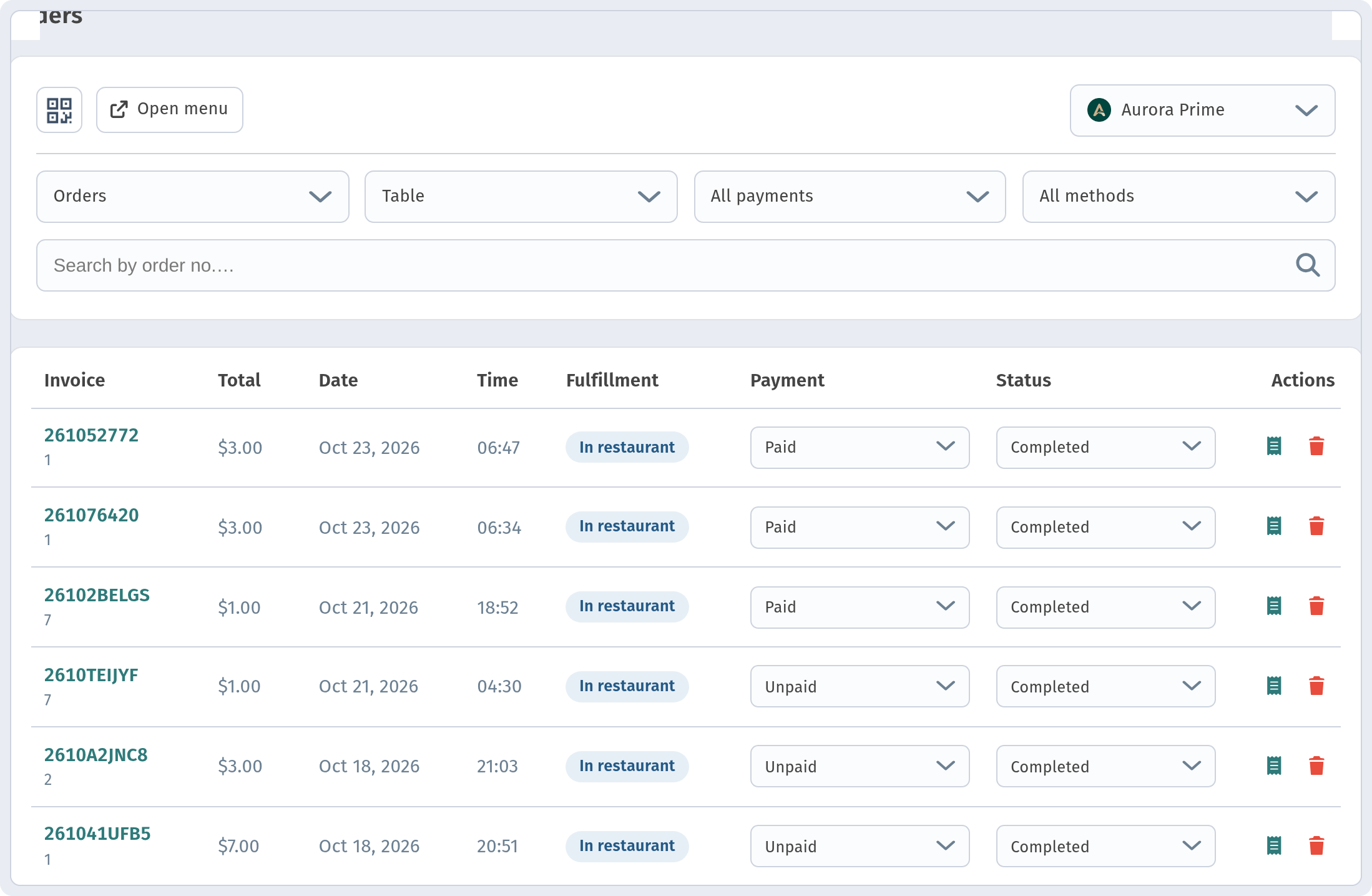
- Check the order list: the bell tells you there is something new, while the orders themselves, their payment and status are in Orders.
Before opening
- Push notifications are on and saved.
- The dashboard is open on the responsible person's device.
- Place a test order from your own phone and make sure it was noticed.
How to take an order further, from status to invoice, is covered in Order management and statuses. And if you have an order screen in the kitchen, read The kitchen line.