
Fuel your venue with smarter digital menus
Guides, tips, and product updates that help restaurants serve faster, change the menu in minutes, and keep guests coming back.
Articles about guests: sign-up, feedback and order history.

Guest Surveys and Feedback in WebQRMenu
Create a survey with stars, smileys, Yes / No and text answers and translate it into your menu languages. Guests answer via the Survey button in the QR menu; responses are in the dashboard.
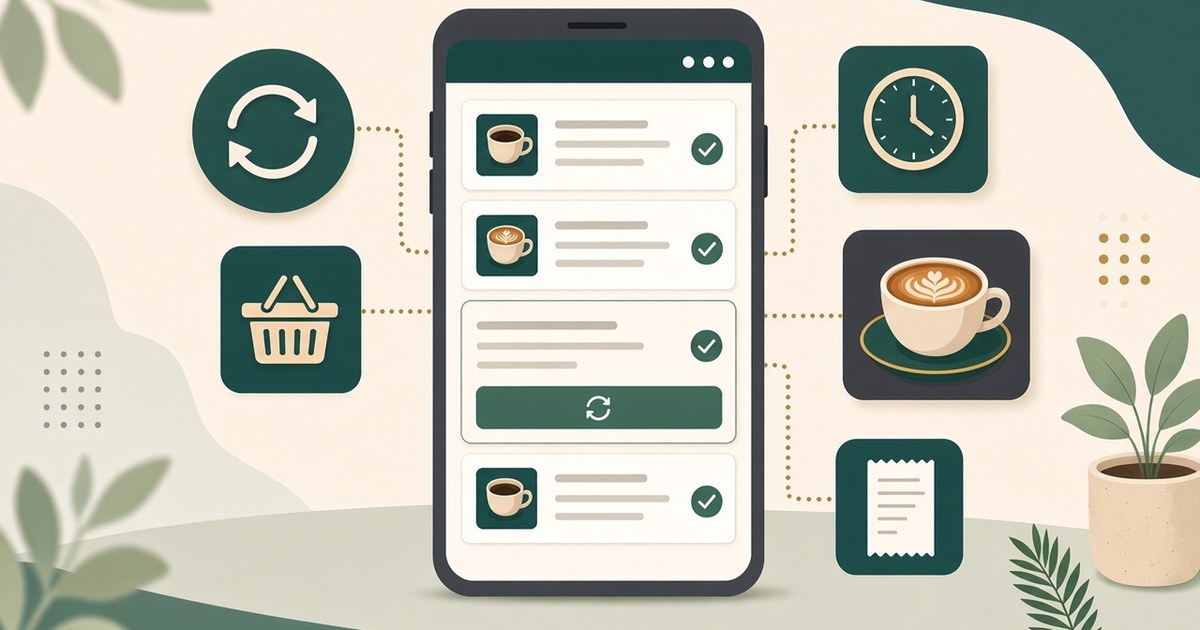
Guest Order History and Reorder in WebQRMenu
Guests track order status, browse past orders in History and repeat them with Reorder or Repeat last order, right in the WebQRMenu QR menu.

Guest Sign-Up and Your Client Base in WebQRMenu
How guests create an account right inside a WebQRMenu QR menu, what their profile holds, and how to find every client in the dashboard's Clients section with sorting, store selection and search by name, email or phone.
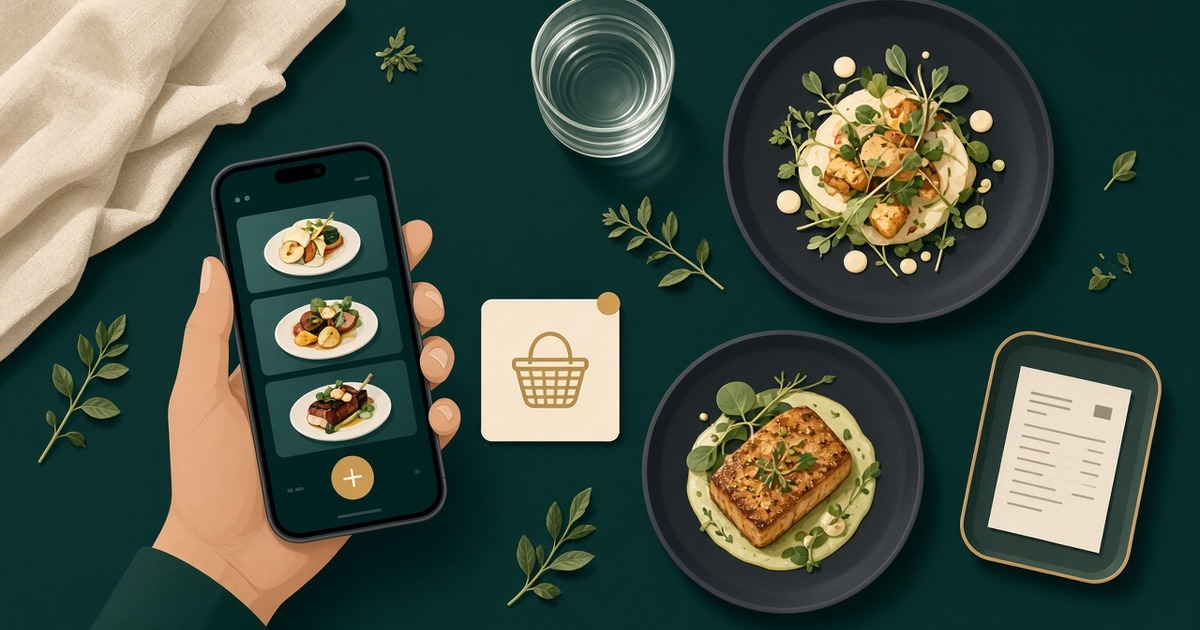
How a guest orders through the cart in WebQRMenu
How a guest orders through the cart in WebQRMenu: notes, tips, delivery or pickup, live status, and where the order appears in your dashboard.