
Launching a QR Menu: How to Prepare Your Team and Guests
A QR menu launch checklist: pre-launch checks, staff training, what to say to guests and the first week.
The menu is uploaded and the QR codes are printed, but the actual launch is still ahead. The first few days decide whether the QR menu becomes a habit for your guests or stays a sticker nobody looks at. A lot of that depends not on the technology but on how well your team is prepared.
A week before launch: check the menu as a guest would
- Open the menu on several phones, both iPhone and Android, over mobile data and not just your venue's Wi-Fi.
- Go through the entire menu: names, prices, photos, translations. A typo in a price on day one undermines trust.
- Place a test order from a real table and make sure it reaches the kitchen with the right table number.
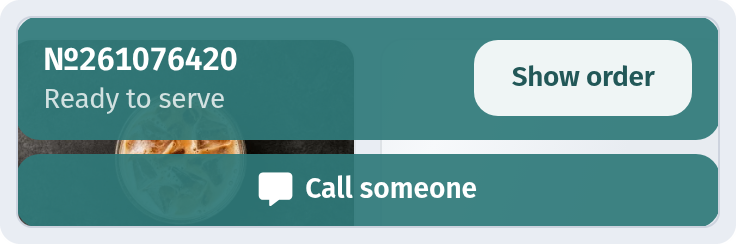
- Test the call waiter and bill buttons if you use them: who gets the signal and how quickly do they respond?
Prepare your team
Waiters are the main ambassadors of a QR menu. If they don't understand how it works, guests won't either.
- Run a short 20–30 minute training. Every team member should open the menu, fill a cart and send an order themselves.
- Explain what changes in their job. Waiters write down less and spend more time recommending and serving. The team should see this as help, not a threat.
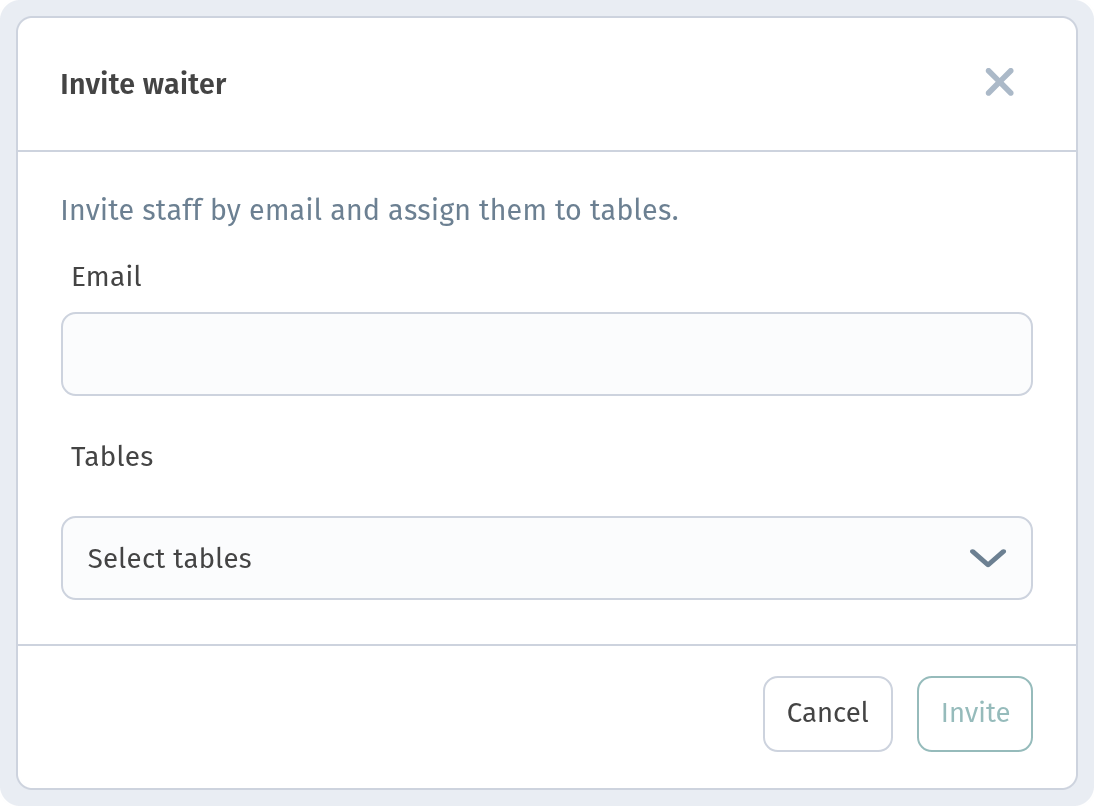
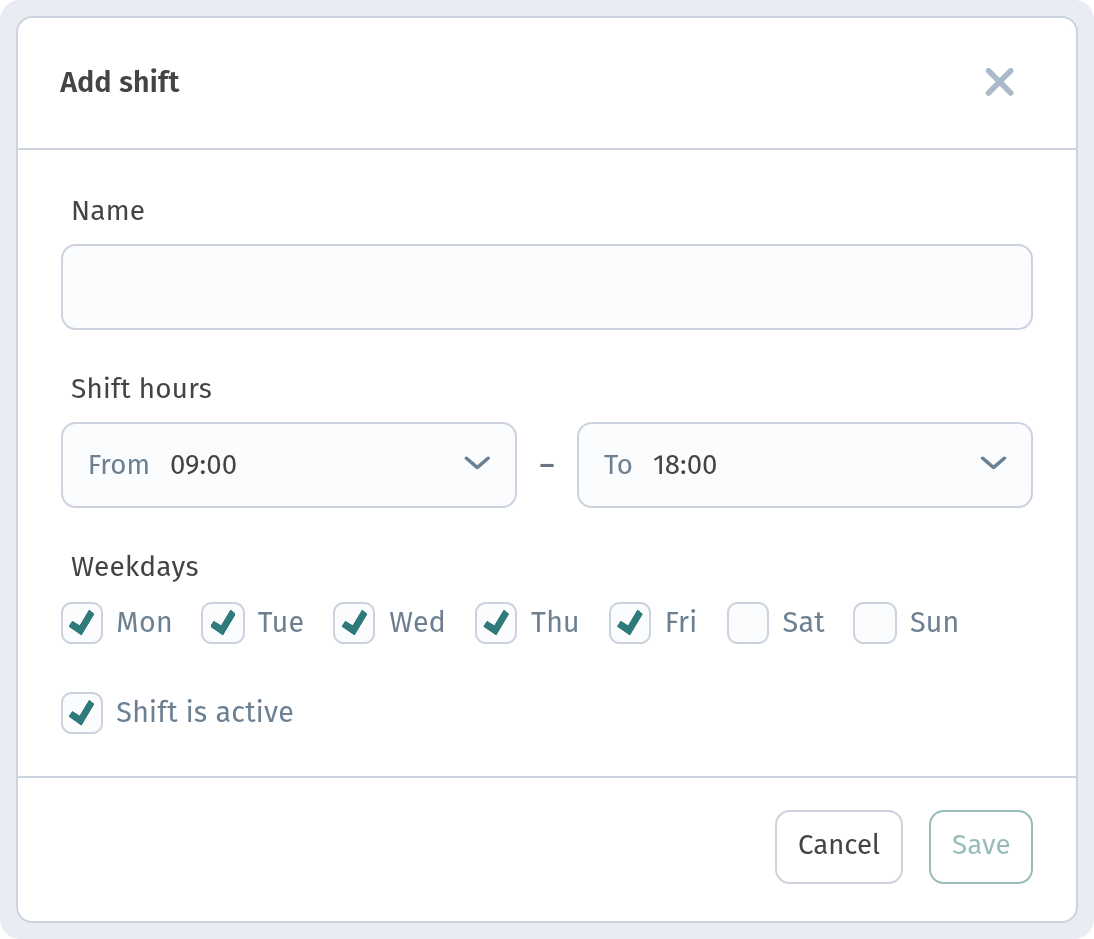
- Add your staff to the system. In Staff you invite a waiter by email and assign their tables, and with Add shift you set up morning, day or evening shifts with times and weekdays. See how in Staff, waiters and shifts.
- Agree on a plan B. What if a guest's phone is dead or they'd rather not scan? Keep a couple of paper menus or a tablet on hand.
What to say to guests
A simple invitation when seating guests works best:
- "The menu is in the QR code on your table, and you can order straight from there."
- "If you need me or want the bill, there's a button in the menu."
- "The menu is available in English, Georgian and Russian."
Don't push it: some guests will prefer to order through a waiter, and that's fine.
Where to put the QR codes
The code should be where guests look right after they sit down: on the table, on a stand, at the edge of the tabletop. The less guests have to search, the more of them scan. We go through placement in detail in Where to place QR codes in a restaurant or café.
The first week: collect feedback
- Ask your team every day what guests had questions about.
- Look at the number of scans and orders and compare day by day.
- Fix small things right away: an unclear description, a weak photo, a dish in the wrong category. With a QR menu it takes minutes.
The bottom line
A successful QR menu launch comes down to a checked menu, a trained team, a clear invitation for guests and a willingness to fix mistakes quickly. Within a couple of weeks guests will stop asking "where's the menu?" and reach for the code on the table straight away.