
Menu Structure: Categories and Order That Raise the Average Check
How many categories you need, how to order them, how many dishes per category and how anchor items work in a QR menu.
Even a great kitchen loses orders when guests can't find what they want on the menu. On a phone this is especially noticeable: the screen is small, guests scroll with a thumb and rarely reach the bottom. A good menu structure helps guests choose faster and helps you sell the dishes that matter most.
How many categories you need
For most cafés and restaurants, aim for 5–9 categories. Fewer, and each one turns into a long list. More, and guests get lost before they even start.
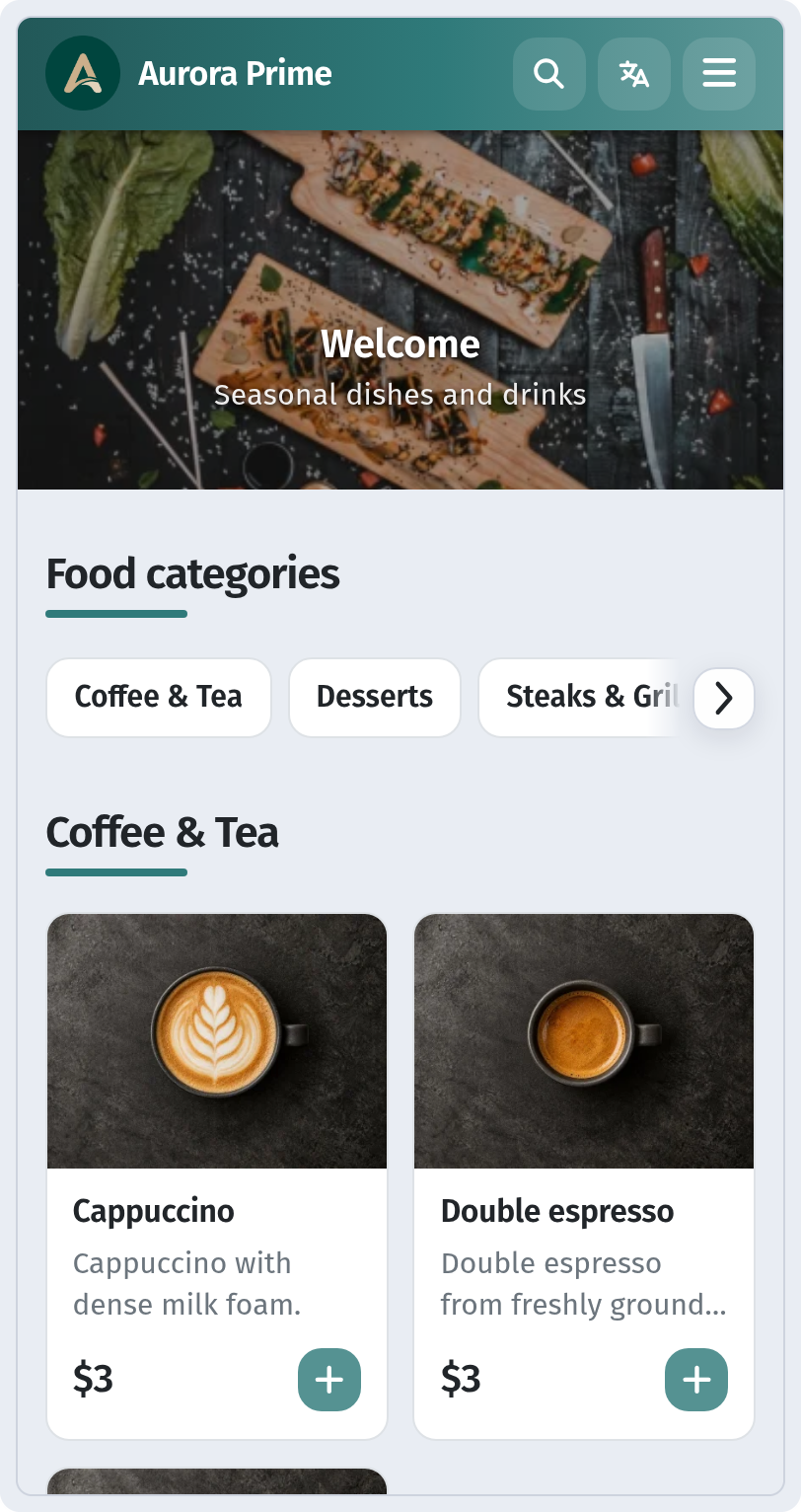
Name categories the way guests talk: Breakfast, Salads, Mains, Khinkali, Desserts, Coffee, Wine. Kitchen jargon doesn't belong here.
Category order: follow the meal
Arrange categories in the order people eat: starters and salads, soups, mains, sides, desserts, drinks. Sensible exceptions:
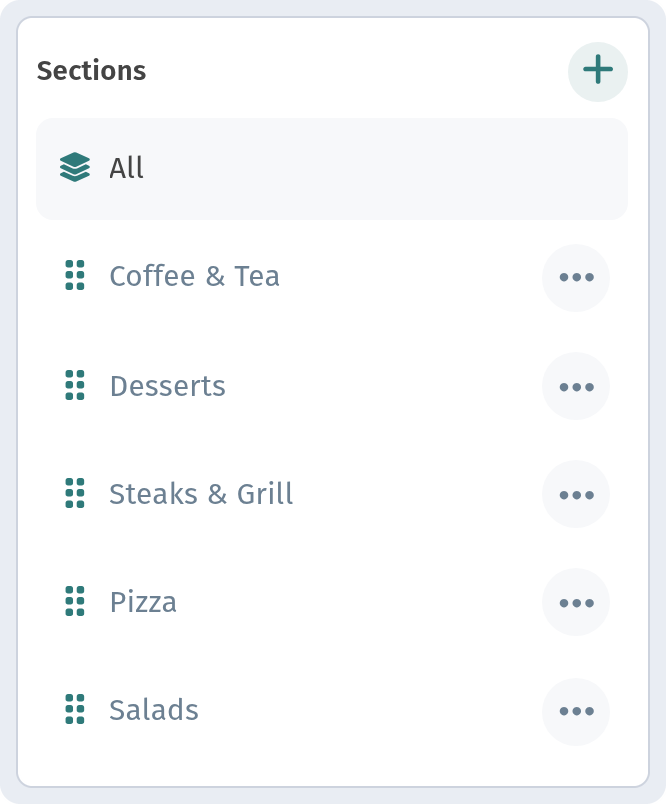
- Signature and seasonal dishes go first. If guests come for one particular dish, it should be visible without scrolling.
- Breakfast first in the morning. If you serve breakfast, it should be the first thing guests see.
- The bar as its own block. For bars and coffee shops drinks are the main product, so it makes sense to put them up front.
How many dishes per category
A comfortable limit is 7–10 items. If you have more, split the category: Mains into Meat and Fish, Drinks into Coffee, Tea and Lemonades. A long list makes guests scroll and settle for whatever they saw first.
Order within a category
Guests pay the most attention to the first two or three items. Put there:
- high-margin dishes you want to sell;
- your most attractive items with the best photos;
- proven favourites that rarely disappoint.
The last spot works too: a guest who scrolls to the end often picks that one. It's a good place for an interesting but less obvious dish.
Anchor dishes
One expensive item in a category, such as a large steak or a sharing platter, makes the dishes around it look more affordable. It's a classic menu engineering technique. Just make sure the anchor is a real dish that people actually order, not decoration.
Use the dish card
You don't have to move a dish around to make it stand out. In WebQRMenu a dish can carry a badge that guests notice right away. There are three preset badges: Хит (hit), Острый (spicy) and NEW. Price variants let you avoid listing the same dish three times for different portion sizes. More in Dish card: variants, allergens and badges.
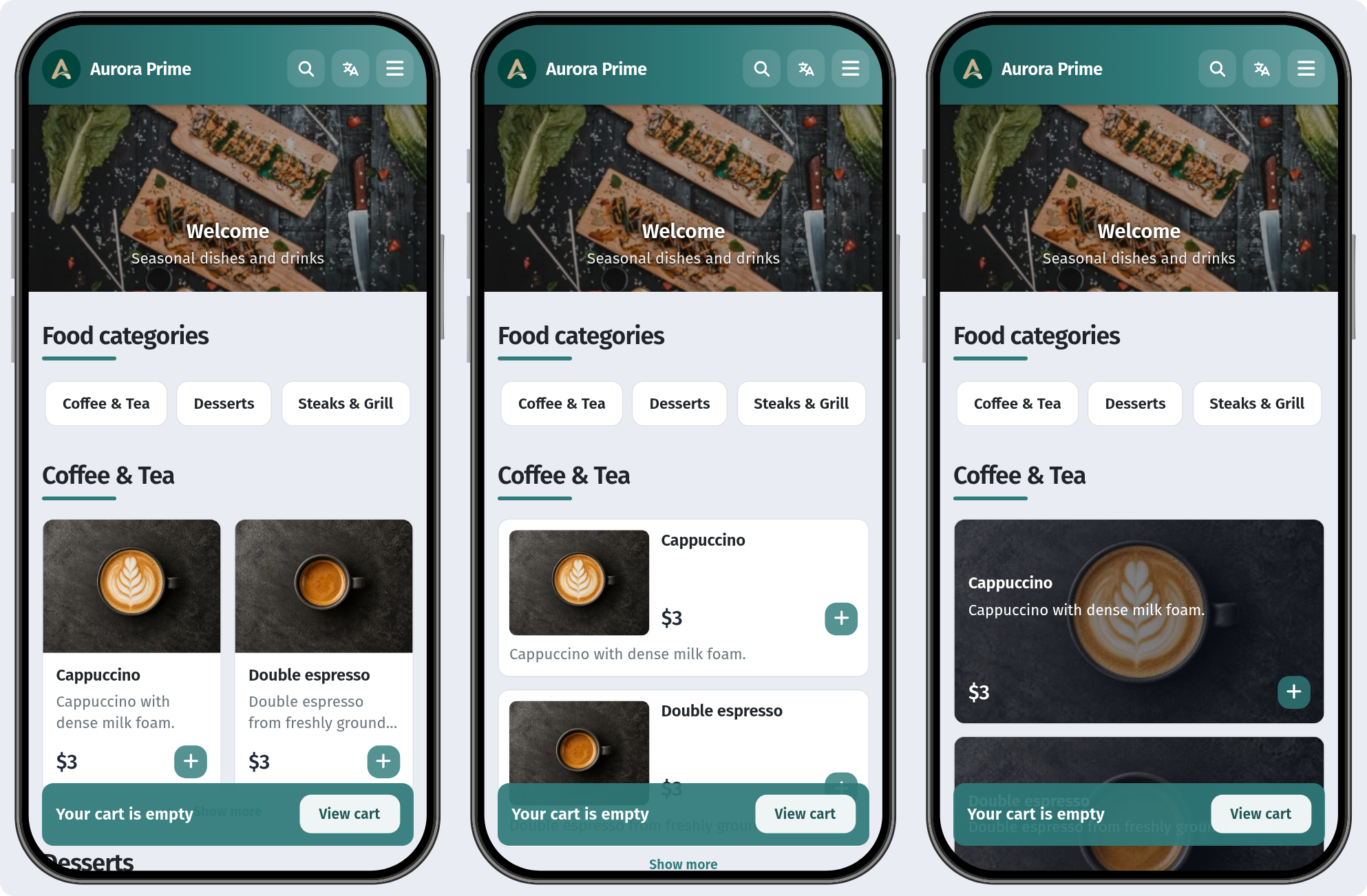
The look of the list matters as well: some layouts favour photos, others a compact list. We compare all six in Choosing a QR menu layout.
Test and adjust
Menu structure isn't a one-off job. Once a month, look at the dishes that sell least: they may simply be hard to find. Change their position, refresh the photo or description and compare the results. With a QR menu these changes cost nothing and need no reprinting.